

Personal finance app
Your spending, under control
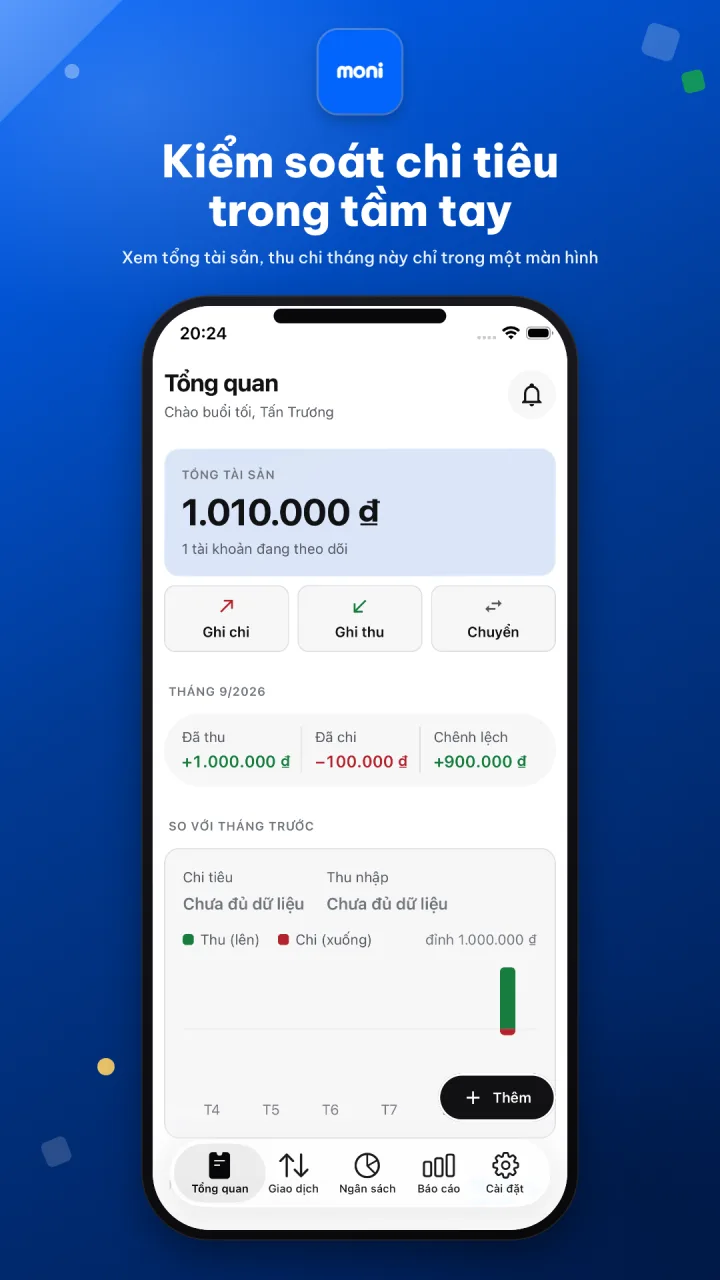
Log transactions, follow your budgets and savings goals — all in Moni. Simple, clear and always yours.
- No ads
- No selling your data
- You enter it, no SMS reading
Features
Everything about your money, in one place
From everyday logging to looking back over the month — nothing extra, nothing confusing.
Accounts & wallets
Cash, bank, credit card — every place you keep money is an account. Balances update with each transaction.
Transactions
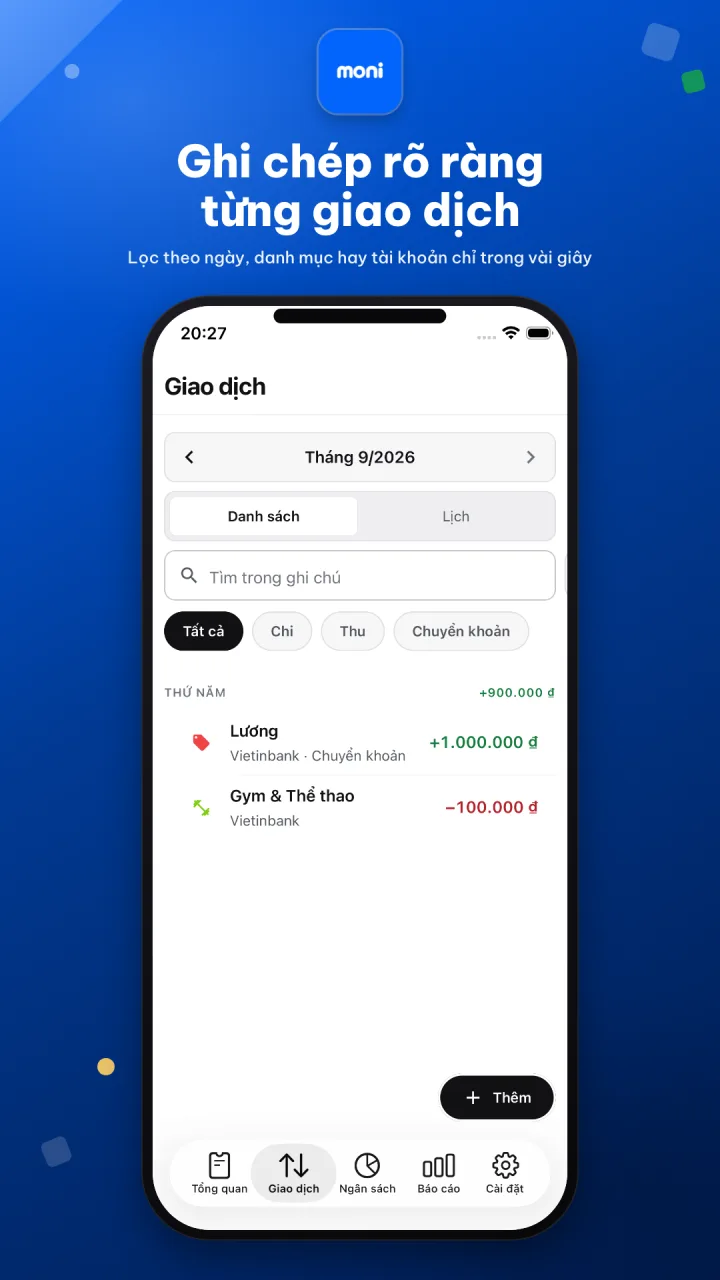
Log income, expenses and transfers in a few taps. Filter by date, category or account, or search your notes.
Categories
Sort spending and income with categories that have their own icon and colour. Create more whenever you need.
Budgets
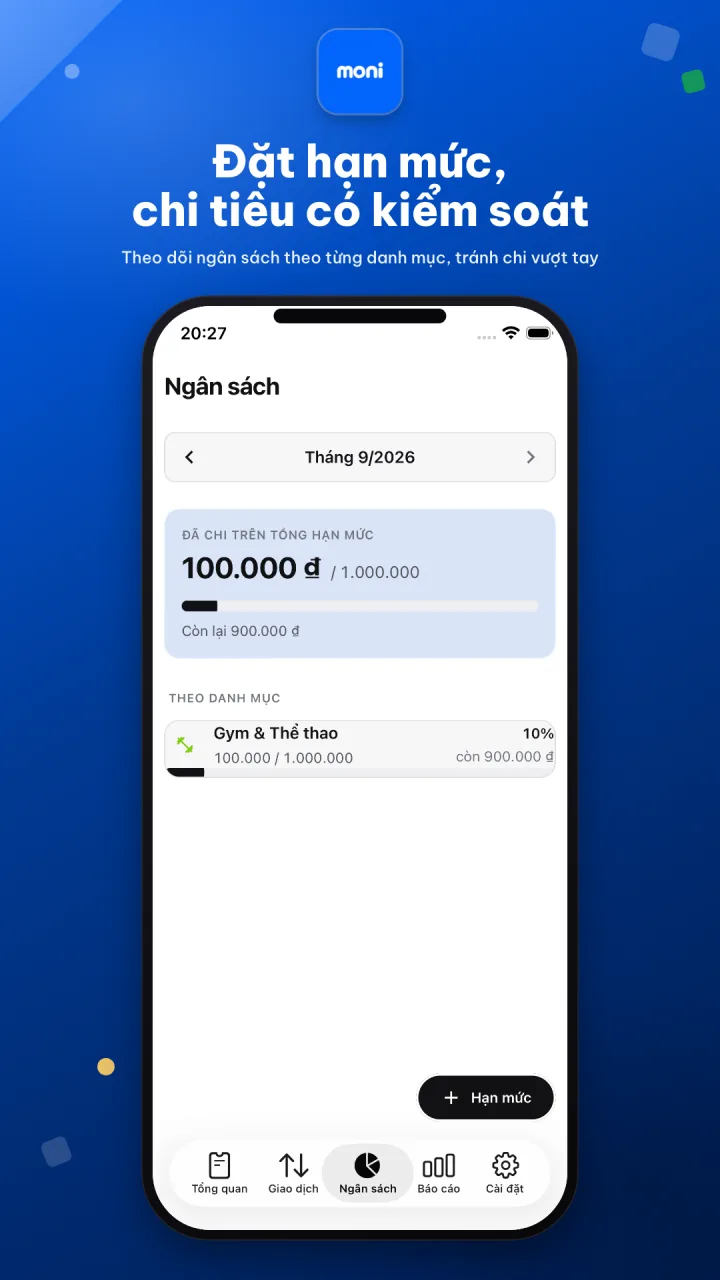
Set a monthly limit for each category and see what is left before you overspend.
Savings goals
Set a target, contribute over time and follow your progress toward the date you need.
Recurring transactions
Declare repeating items — rent, bills, salary. Moni records them for you when they fall due.
Reports
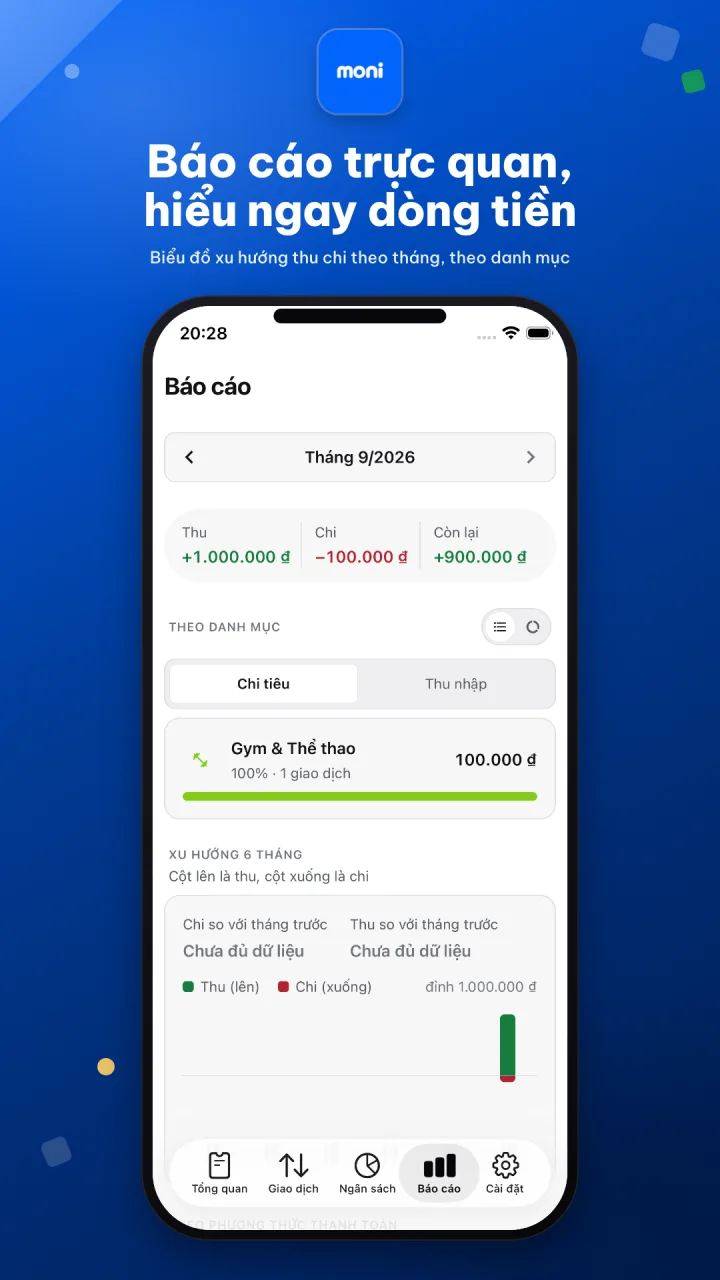
Period overview, breakdown by category and account, plus a 6-month income and expense trend.
Reminders & alerts
Get reminded of upcoming items and warned when a budget is close or over. Turn each kind on or off.
Get started
Three steps to see your cash flow
Create accounts & wallets
Add cash, a bank account or a card with its starting balance.
Log each transaction
Pick a category, enter the amount, done. Balances stay in sync.
See where it goes
Budgets and reports show where your spending is piling up.
Screens
See Moni in action
Screenshots from the real app.
Yours to shape
Make it fit
Light & dark
Follow the system or choose.
6 accent colours
Recolour the action colour to taste.
Vietnamese & English
Pick a language on first launch.
5 currencies
VND, USD, EUR, JPY and GBP.
Privacy
Money is personal. Moni keeps it that way.
We only process what the app needs to run, and spell out each item in the Privacy Policy.
Only you can see it
Every record is tied to your account, and the database blocks access from anyone else (Row Level Security).
No ads, no selling data
Moni contains no third-party advertising or behaviour-tracking SDKs.
You enter it
Moni does not connect to your bank and does not read your SMS, email or contacts.
You can delete it
Request deletion of your account and all its data at any time.
FAQ
Frequently asked questions
Does Moni connect to my bank?
No. You log transactions yourself, so Moni needs no bank login and does not read your SMS or email.
Which platforms does Moni run on?
iOS and Android.
How do I sign in?
With email and password, or with a Google account. On iPhone and iPad there is also Sign in with Apple.
Which currencies can I use?
Vietnamese dong, US dollar, euro, Japanese yen and British pound. You choose in your profile.
Where is my data stored and who can see it?
Your data is stored on Supabase infrastructure (PostgreSQL) and only your account can read or write it. Details are in the Privacy Policy.
How do I delete my account and data?
Follow the steps on the Delete account & data page. You can ask at any time.

Ready to see your cash flow?
Get Moni and log your first entry today.
Need help? Write to us: truongngoctan2388@gmail.com